
Plan Your Marketing Expenses with Ease
For small to medium-sized businesses, managing finances can feel like a juggling act—especially when it comes to marketing. That’s where a reliable budget planning tool comes in handy. It’s not just about setting aside money; it’s about knowing exactly how much you’re putting toward digital advertising, content development, or event sponsorships. A clear breakdown of your spending can make all the difference in maximizing your return on investment.
Why Budget Allocation Matters
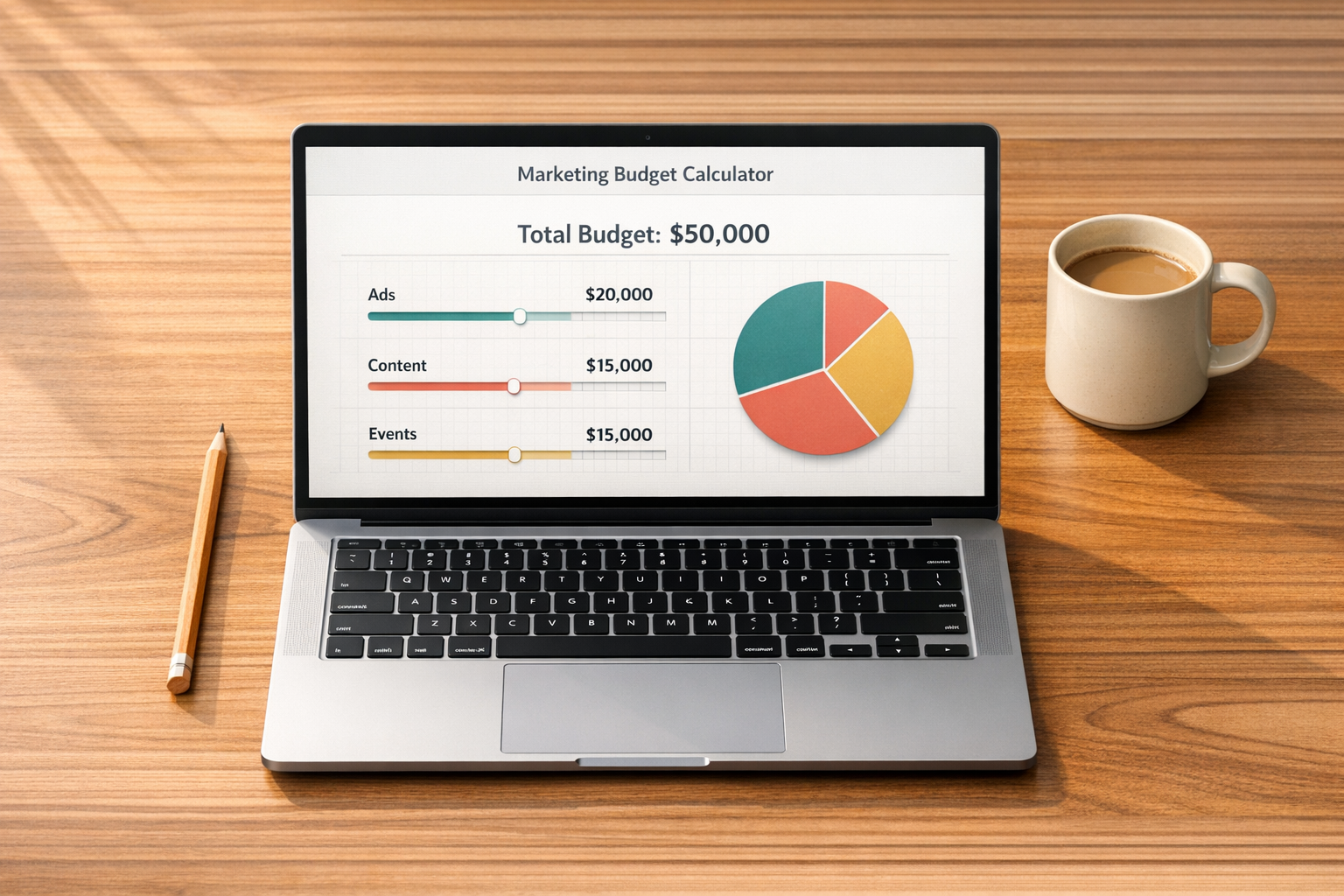
When you’re running a tight ship, every dollar counts. Dividing your funds across various channels—whether it’s social media campaigns or public relations—requires thoughtful strategy. Tools designed for marketing expense planning simplify this process by offering a visual snapshot of your allocations. You can spot overspending before it happens and adjust on the fly. Plus, having a structured plan builds confidence that your resources are being used effectively. For businesses aiming to grow without breaking the bank, this kind of clarity is invaluable. So, take a moment to map out your strategy and watch how a little planning can transform your marketing efforts into measurable success.
FAQs
Can I customize the categories in this Marketing Budget Calculator?
Absolutely! While we’ve included standard categories like digital ads, social media management, content creation, PR, and events, there’s also an 'Other' category. You can use it to add any unique expenses specific to your business, ensuring the tool fits your exact needs. Just input the amount or percentage, and it’ll be reflected in the summary.
What happens if I allocate more than my total budget?
No worries—we’ve got you covered. If your allocations go over the total budget you’ve entered, the tool will display a clear warning message. You can then adjust the amounts or percentages in each category until everything balances out. It’s a simple way to keep your spending in check.
Does the tool handle invalid inputs, like negative numbers?
Yes, it does! If you accidentally enter a negative number, non-numeric value, or something that just doesn’t make sense, the calculator will show an error message. This helps you correct the input right away and ensures the results are accurate and useful for your planning.

